Salesforce Client-Retention System
Completed · DecisionHR
A retention-monitoring process built during my internship at DecisionHR so account teams and leadership could review client health on a consistent basis.
Business problem
Client health information lived in scattered records, so leadership could not see which accounts were trending in the wrong direction and account owners were not prompted to follow up.
My role
Process Analysis and Automation Intern. I gathered requirements from business stakeholders, designed the monitoring process, built it in Salesforce, and connected the resulting data to Power BI.
Approach
Met with business stakeholders to understand how client health was tracked, mapped the existing outreach process, and documented which data actually informed retention conversations.
What I built
Created a "Client Health Check Ups" record type that captures account health, used automated Flows to surface new records on a Lightning page and notify the assigned owner when outreach was needed, then modeled the resulting data in Power BI for leadership review.
How I approached it
- Custom object modeled around the retention workflow and the fields stakeholders actually used
- Automated Flows that create review records and notify the responsible account owner
- Lightning App Builder page assembling related records and actions into a single view
- Salesforce data connected to Power BI for leadership reporting
- Testing, validation, and documentation to support adoption
Tools used
- Salesforce
- Salesforce Flow
- Lightning App Builder
- Power BI
Business value
Gave stakeholders a structured, repeatable view of client health and outreach activity to support proactive account review. Internal results and implementation details are confidential.
Skills demonstrated
- Requirements gathering
- Process design
- Client-retention analysis
- Stakeholder collaboration
- Operational reporting
- Testing and documentation
What I took from it
Requirements conversations are where most of the design happens. Understanding how people actually work before building saved rework.
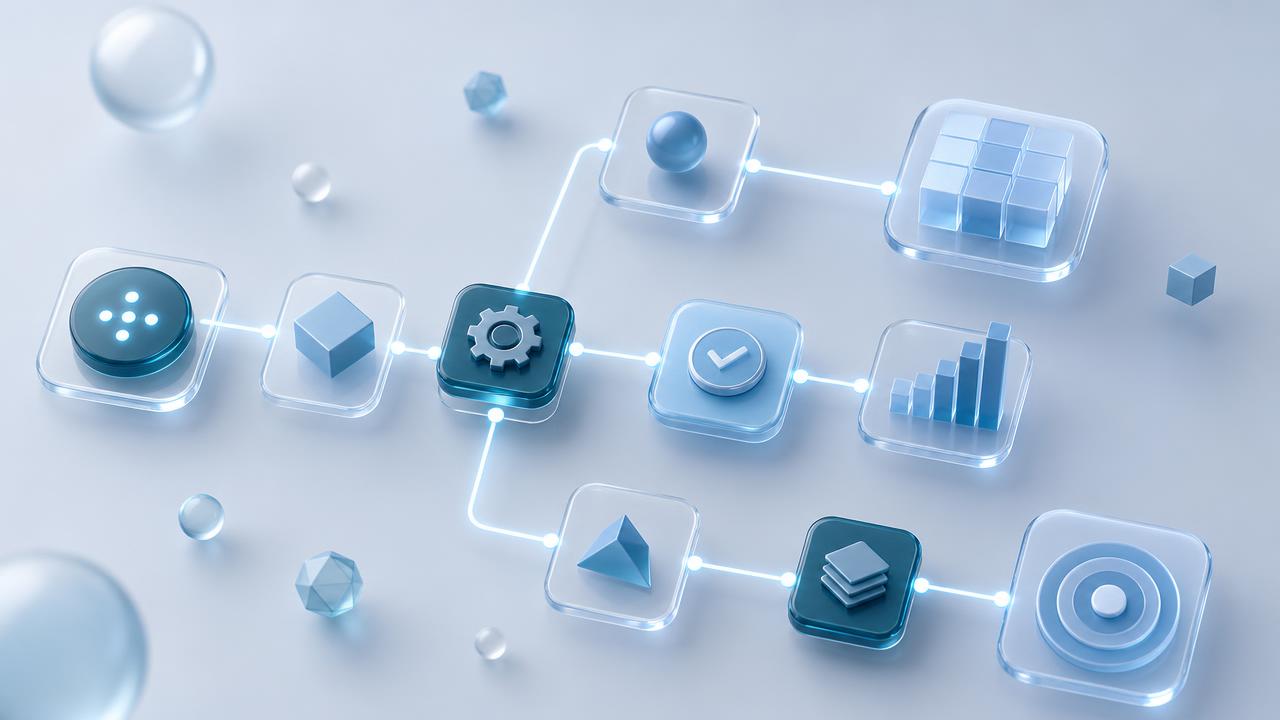
Confidentiality note: this project was completed for DecisionHR. No company data, screenshots, client information, internal system structures, or proprietary details are shown. Illustrations on this page are conceptual.